Don’t ask for permission, explain your approach
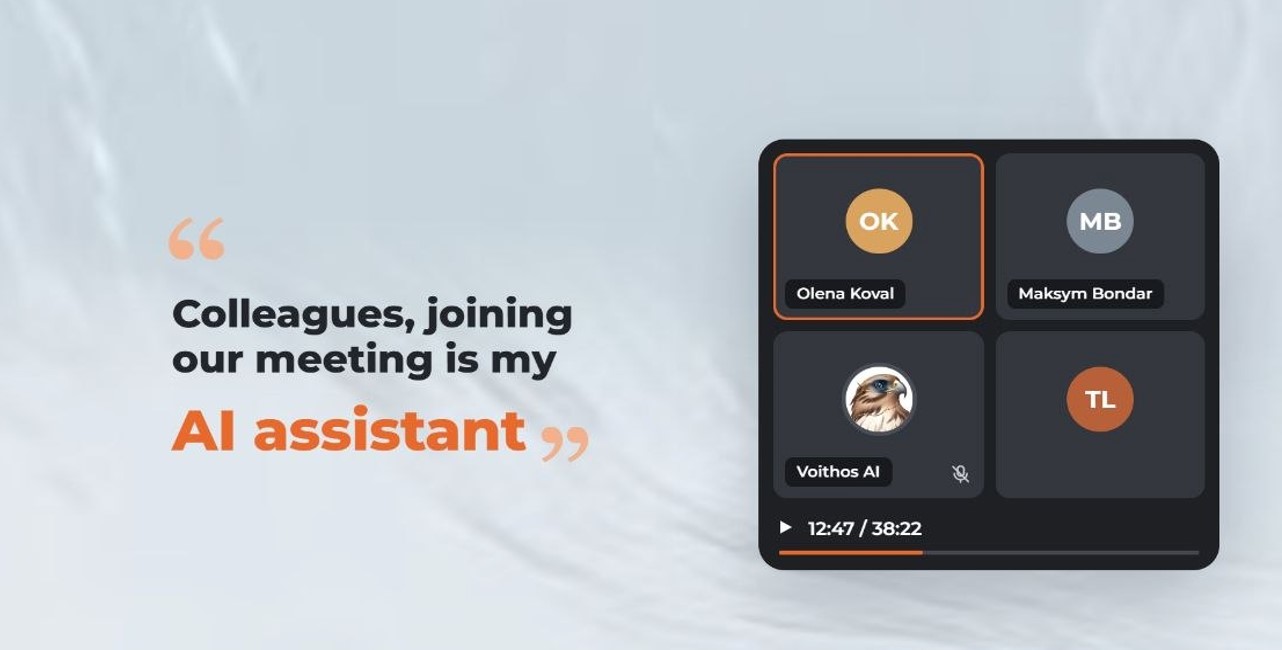
I usually have three or four online meetings a day, sometimes more. I always add Voithos, and my colleagues are used to it by now and use it themselves. But when it’s a new team or external partners, instead of asking, “Do you mind if I add an AI assistant?”, I calmly let them know it will be there and explain what it’s for. For example: “Hi everyone, my AI assistant Voithos will be joining the meeting. It helps me take notes and keep track of key points.” In other words, a proven way to get rid of the awkwardness is to change the emotional framing.
There are no excuses in this wording and no attempts to convince others that the technology is necessary: you’re simply explaining how you work. It shows that you value the participants’ time, want to capture key points accurately, and use modern tools.
The exception: if the meeting involves confidential information, or if company policies or data recording and processing requirements apply, you need to take them into account. And if any of the participants have objections, it’s better to discuss them openly than to create tension.
Voithos AI as part of your work style
There’s one more aspect that people don’t always think about: the way we use technology shapes how others see us professionally.
When you introduce an AI assistant with confidence, it comes across as a sign of openness to technology, good organization, and a willingness to optimize your own work. Instead of spending time on manual notes, you focus on the discussion, ask questions, analyze, and take an active part in the conversation.
I believe that, on top of that, it’s also a pretty natural form of self-promotion: not by talking about how efficient you are, but through a concrete approach to your work. You show that you know how to find practical ways to work better. For example, after the meeting, you can ask Voithos to write a short follow-up email to the participants, covering the agreements and next steps.
How to introduce Voithos AI to colleagues naturally: my personal checklist
- Talk about the benefits, that is, how exactly the tool helps you capture key points, agreements, and tasks.
- Be specific: “It helps me take notes” sounds clearer than the abstract “I use AI to boost productivity.”
- Don’t make excuses in advance: if you start with long explanations of why you need an assistant, it may create the impression that you’re doing something unusual. A calm, brief message sounds more natural and more convincing.
- Respect the rules: consent and confidentiality matter. If the meeting requires special permission to record, get it.
So, to sum up: there’s no need to make a special announcement about using an AI assistant or try to prove that it’s necessary. Just make it part of your workflow and explain it as naturally as any other professional decision.